


How to use
Go to the website utours.am, if you have a favorite hotel, you can find it using the search engine.
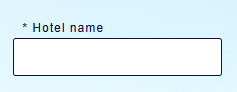
And if you don’t have one, you can find a hotel according to the parameters you need using a search engine.
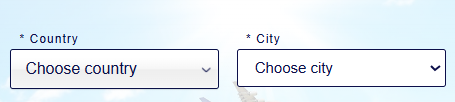
After reviewing the proposals:
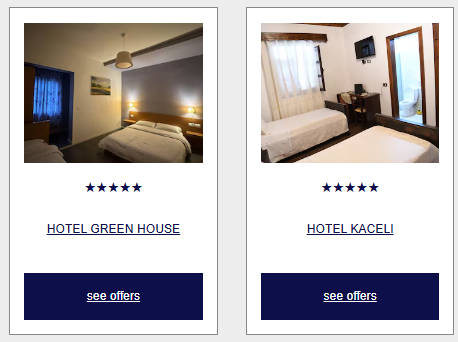
choose a number:
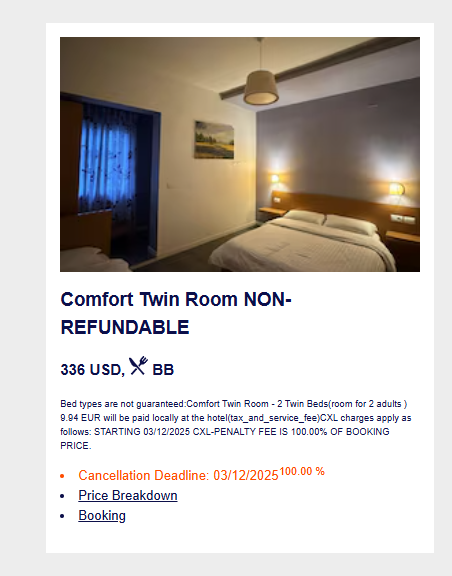
After that, we fill in the information field to make a RESERVATION.
.png)
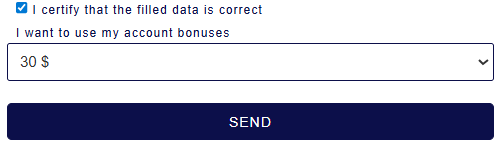
Click SEND below (be sure to include: I confirm that the information I have filled in is correct)
You can make payments
1. Through the online payment system/website (bank card/VISA/ArCa/MASTER CARD)
2. Through the Mobile application.
3. Bank receipt
4. via the QR code located on the website.
The bank receipt and the mobile application receipt must be uploaded to your personal page.
To make a reservation, you must upload copies of passports of all persons to your personal page; the passports must be valid. If you have any interesting questions, you can request a call back or leave your question in the comments field when booking. After confirming your reservation on your personal page, you will receive a full package of documents: a hotel voucher, plane tickets, visas if necessary and all the necessary documents. On your personal page you can see all your applications, reservations, referral earnings, downloaded documents... You can familiarize yourself with the agreement concluded with the customer in the appropriate section. When booking, by giving your consent in the “AGREE” field, you sign the above AGREEMENT FOR THE SUPPLY OF TOURIST SERVICES.


